

To complete a business phone system new office Canada setup, businesses should select a cloud-based VoIP provider, acquire local Canadian phone numbers, and ensure high-speed internet infrastructure is ready. After securing hardware like IP phones or professional headsets, the final steps involve configuring software extensions and porting existing numbers to the new system. This approach ensures a scalable, AI-integrated communication network tailored for the modern Canadian marketplace.
Opening a new office in Canada presents a logistical challenge where communication infrastructure often becomes a secondary thought until the move-in date arrives. This oversight frequently leads to dropped calls, frustrated clients, and costly downtime during your first week of operation. At Alpha Telecom Services, we understand that a professional phone system is the nervous system of your business. It requires meticulous planning; specifically, you must ensure your physical wiring supports high-bandwidth VoIP while meeting strict Canadian E911 compliance standards. This guide provides a comprehensive 2026 checklist to navigate your transition smoothly. You will learn how to structure an eight week deployment timeline, select the right hardware, and configure complex call flows. We also address local regulatory requirements and security integrations, ensuring your team is fully operational and trained before the first client dials your new office number.
Planning Your New Office Telecom Strategy: The 4 to 8 Week Timeline
Starting your business phone system new office Canada setup at least four to eight weeks before your move-in date is essential to avoid operational downtime. While VoIP technology allows for rapid software deployment, the physical and regulatory landscape in Canada moves at a different pace. Local exchange carriers (LECs) and internet service providers (ISPs) across the GTA and wider Canada often require significant lead times for new circuit installations, especially for dedicated fiber lines that require trenching or building entry permits.
If you are moving an existing system, the primary bottleneck is number porting. Under CRTC guidelines, the process of transferring your existing phone numbers from one provider to another involves specific administrative steps that can take anywhere from 7 to 21 business days, depending on the complexity of the account. Starting late risks a "dark period" where your clients cannot reach you because the numbers are stuck in transition. Conversely, starting fresh with new numbers is generally faster but still requires coordination with your ISP to ensure bandwidth is provisioned before staff arrive.
Coordinating with local ISPs requires a clear understanding of your site's demarcation point, or demarc. You must verify if the new facility has existing cabling or if a brand new drop is required. Engaging in professional installation and programming early allows for a thorough site survey, ensuring that your 3CX PBX phone system or other cloud hosted solutions are mapped out correctly. This proactive approach ensures that when your furniture arrives, your high-quality VoIP phones are already authenticated and ready for dial tone.
Assessing Your Infrastructure: Wiring and Internet Requirements
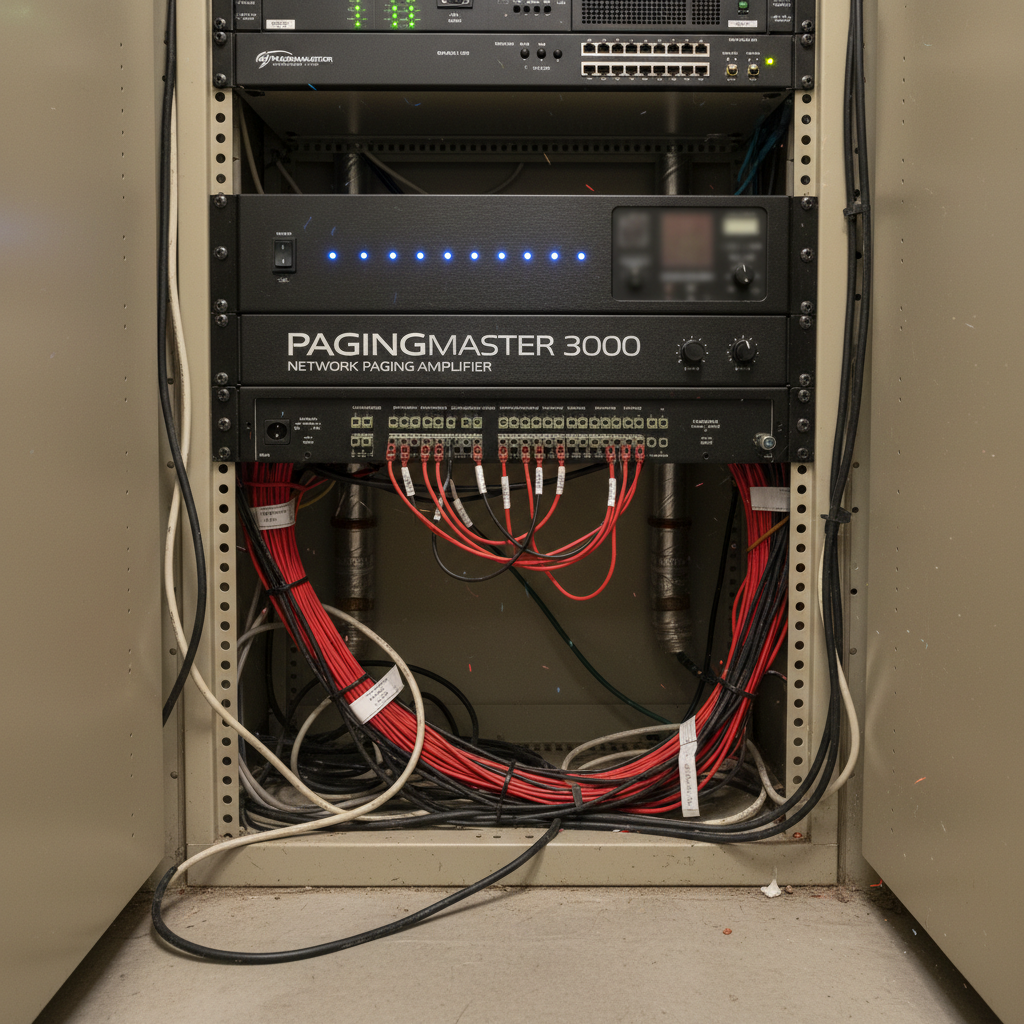
After the carrier coordination is underway, the focus must shift to the internal physical environment. A high-performing business phone system new office Canada setup relies entirely on the quality of your structured cabling. While wireless technology has improved, a stable VoIP environment requires a hardwired Cat5e or Cat6 infrastructure. Cat6 cabling is the preferred standard for new installations in Toronto offices; its tighter twists and increased shielding provide better protection against crosstalk and support higher data transfer speeds, ensuring voice packets are never delayed by network congestion.
Integrating Power over Ethernet (PoE) switches is a technical necessity for a clean, professional workspace. These switches deliver both data and electrical power through the same Ethernet cable, eliminating the need for bulky AC adapters at every desk. This setup simplifies professional installation and programming and ensures that phones can be centralized on a battery backup (UPS) in the server room, maintaining connectivity during brief power fluctuations common in industrial or high-rise settings.
Internet quality is the next critical pillar. A standard residential-grade connection often suffers from asymmetrical speeds, where upload capacity is a fraction of download speed. For business VoIP, a dedicated fiber connection with symmetrical speeds is highly recommended. When calculating your needs, account for approximately 100 kbps of bandwidth per concurrent call using standard codecs. To maintain crystal-clear audio during peak usage, your network should be stress-tested to ensure that voice traffic is prioritized via Quality of Service (QoS) settings. This prevents data-heavy tasks, such as cloud backups or large file transfers, from degrading call quality or causing dropped connections.
Essential Hardware for a Modern Canadian Office
Selecting the physical components for a business phone system new office Canada setup requires balancing user comfort with technical interoperability. The standard for reliability in Toronto businesses is often set by Yealink IP phones, which offer native 3CX PBX phone system compatibility and deep integration for presence and directory features. For teams operating in a hybrid model, professional noise-canceling headsets are essential to maintain call quality when staff rotate between home and the new office.
Larger facilities, such as GTA distribution centers or manufacturing plants, require specialized hardware like SIP-based paging adapters and horn speakers. These systems must be ruggedized to withstand the temperature fluctuations and dust levels common in Canadian industrial environments.
Component | Role | Recommended Standard |
|---|---|---|
Desktop IP Phones | Primary desk interface | high-quality VoIP phones with Gigabit passthrough |
Wireless Headsets | Mobility for hybrid staff | DECT or Bluetooth with ENC |
Paging Systems | Mass communication | SIP-compatible amplifiers and horns |
A critical hardware decision involves choosing between a local PBX appliance and a cloud-hosted solution. A local PBX provides maximum control over your internal network; it is often preferred by businesses with high internal call volumes or strict data residency requirements. Conversely, a cloud-hosted model reduces the physical footprint in your server room and simplifies multi-site management. Proper professional installation and programming ensures that whichever architecture you choose, your hardware is provisioned with the latest firmware to prevent security vulnerabilities.
Integrating VoIP Doorphones and Security for Front Desk Efficiency
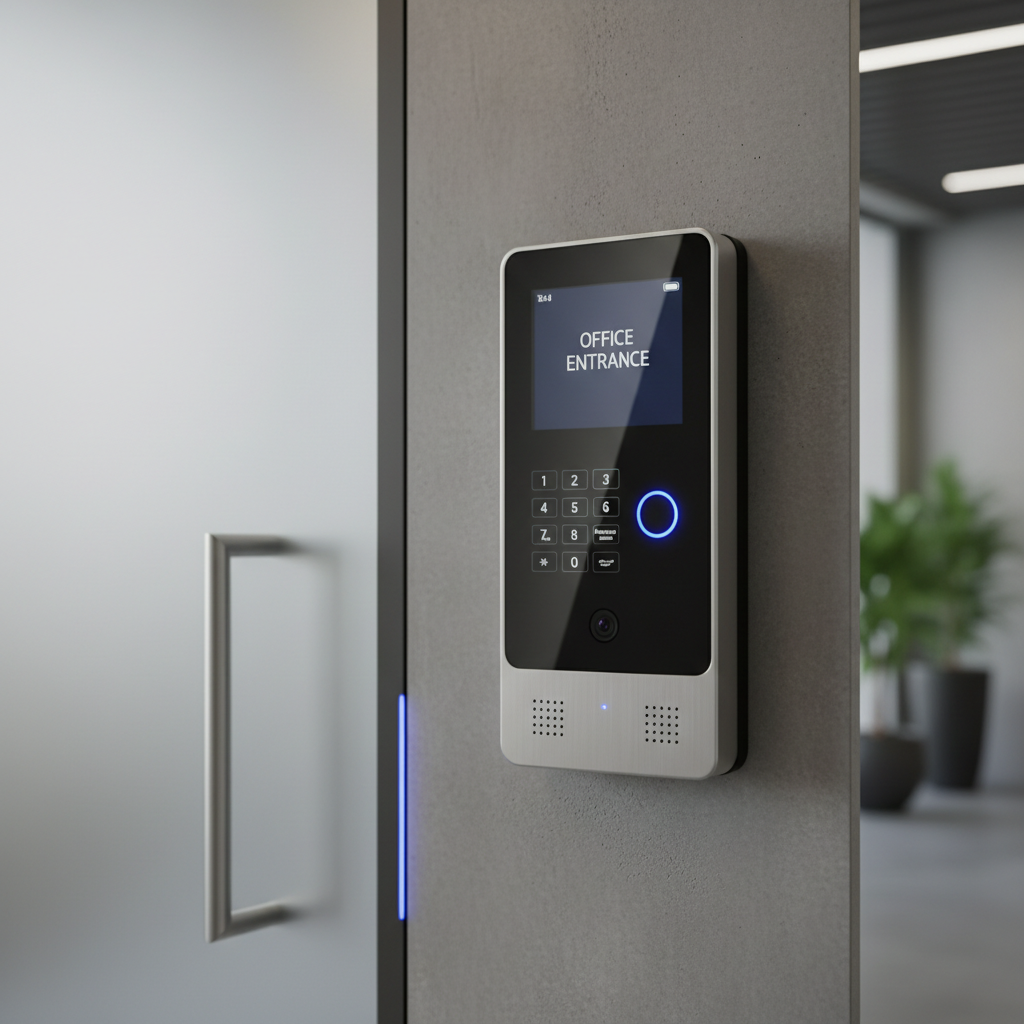
A critical component often overlooked in a standard business phone system new office Canada setup is physical access control. Modern office security should not function as a separate silo from your communications. Integrating a VoIP doorphone, such as the Algo 8028, allows your team to manage the front entrance directly from their existing handsets. This hardware functions as a SIP endpoint within your 3CX PBX phone system, effectively turning any desk phone or mobile app into a security station.
When a visitor presses the call button, the system initiates a voice call to a designated ring group. Staff can screen the individual and, if your door is equipped with an electronic strike, trigger the unlock mechanism by pressing a predetermined digit on their keypad. This integration eliminates the need for staff to physically walk to the door, which significantly increases front desk efficiency and maintains a professional perimeter.
From a technical perspective, the installation requires specific attention to wiring. While the main controller connects to your network via a PoE-enabled Ethernet port, the connection from the controller to the external speaker station uses a single pair of 24-gauge wire. This configuration allows for long cable runs, often up to 1,000 feet, providing flexibility for offices with large foyers or remote secure entry points. Ensuring these lines are pulled during the professional installation and programming phase prevents costly retrofitting after the drywall is finished. Equipping your staff with high-quality VoIP phones ensures the audio at the gate is clear, preventing misunderstandings with visitors or delivery drivers.
Step by Step Technical Configuration and Call Flow Design
Beyond the physical layer, the success of a business phone system new office Canada setup depends on the logical architecture of your call flow. Professional programming ensures that a call never reaches a dead end. Consider a typical day for a Toronto professional services firm. A client calls the main line at 10:00 AM; they are greeted by a Digital Receptionist, or Auto-Attendant, offering options for sales, accounting, or technical support. Selecting "Sales" triggers a ring group, where multiple high-quality VoIP phones ring simultaneously or in a specific hunt sequence to ensure the fastest response time.
Effective call flow design must account for the specific operating hours of the GTA business landscape. As the clock hits 5:00 PM Eastern, the system should automatically switch to an after-hours profile. Instead of simply ringing a desk in an empty office, the call might be routed to a mobile app for an on-call technician or directed to a specific voicemail to email box. This level of automation requires deep knowledge of the 3CX PBX phone system management console to prevent common DIY pitfalls like infinite ring loops or misconfigured SIP trunk parameters.
Component | Function | Strategic Benefit |
|---|---|---|
Digital Receptionist | Multi-level IVR menus | Filters calls to the right department immediately |
Ring Groups | Simultaneous or hunt ringing | Reduces wait times and abandoned calls |
Time-of-Day Routing | Automatic schedule switching | Ensures professional presence after hours |
Engaging in professional installation and programming ensures these settings are tested for every possible scenario. A misconfigured dial plan can lead to dropped calls or ghost rings, which frustrate clients and damage your brand reputation during the critical first weeks in a new location.
Canadian Compliance: Understanding E911 and Local Regulations
Finalizing your call flow logic is only one part of a compliant business phone system new office Canada setup. You must prioritize Enhanced 911 (E911) services, which is a mandatory regulatory requirement for VoIP providers in Canada. Unlike traditional landlines where the location is tied to a physical wire, VoIP systems rely on a registered address to route emergency calls to the nearest response team. In a new office environment, you must ensure your provider has the correct physical address on file for every SIP trunk and extension within the system.
If a staff member dials 911 from a 3CX PBX phone system, the call is routed through a specialized emergency call center. Here, an operator verifies the location before connecting to the local Public Safety Answering Point (PSAP). Failing to update this address immediately after a move can lead to dangerous delays in response times. During professional installation and programming, technicians verify that E911 information is correctly provisioned for each site. This step is frequently overlooked in DIY setups but remains a critical legal and safety obligation under CRTC guidelines for Canadian businesses.
Testing and Staff Training for a Successful Launch Day

Once the technical infrastructure and E911 registrations are verified, your focus shifts to the final execution phase of the business phone system new office Canada setup. Launch day success depends on a methodical testing protocol to ensure no technical debt persists into your first week of operations. Perform a thorough walkthrough using the following checklist:
Internal Connectivity: Place calls between extensions to verify internal routing and audio clarity.
Inbound Integrity: Call the main office number from an external mobile device to confirm the auto-attendant and ring groups function as programmed.
Outbound Capability: Test calls to local Toronto numbers, toll-free lines, and long-distance Canadian prefixes to ensure SIP trunking is correctly provisioned.
Mobile Synchronization: Confirm that the mobile app rings simultaneously with desk phones and allows for seamless call handoffs when staff move from their desks to the hallway.
High-quality hardware alone does not guarantee efficiency; staff proficiency is the final piece of the puzzle. Schedule brief training sessions that move beyond basic dialing. Focus on "warm transfers," where a staff member introduces a caller to a colleague before completing the transfer, as this preserves a professional client experience. Additionally, demonstrate how to access visual voicemail via email or the mobile app to ensure messages are handled promptly. Proper professional installation and programming includes this knowledge transfer, ensuring your team can leverage every feature of their high-quality VoIP phones and 3CX PBX phone system from the very first hour of operation.
Establishing a modern phone system for your Canadian office involves balancing technical requirements with long term scalability. Following this 2026 checklist ensures you cover the essentials, but the implementation process often benefits from a specialized touch. If you want expert help tailoring these solutions to your specific business needs, we are here to guide you. Feel free to read more about us to understand how we help companies streamline their communication infrastructure during a move.